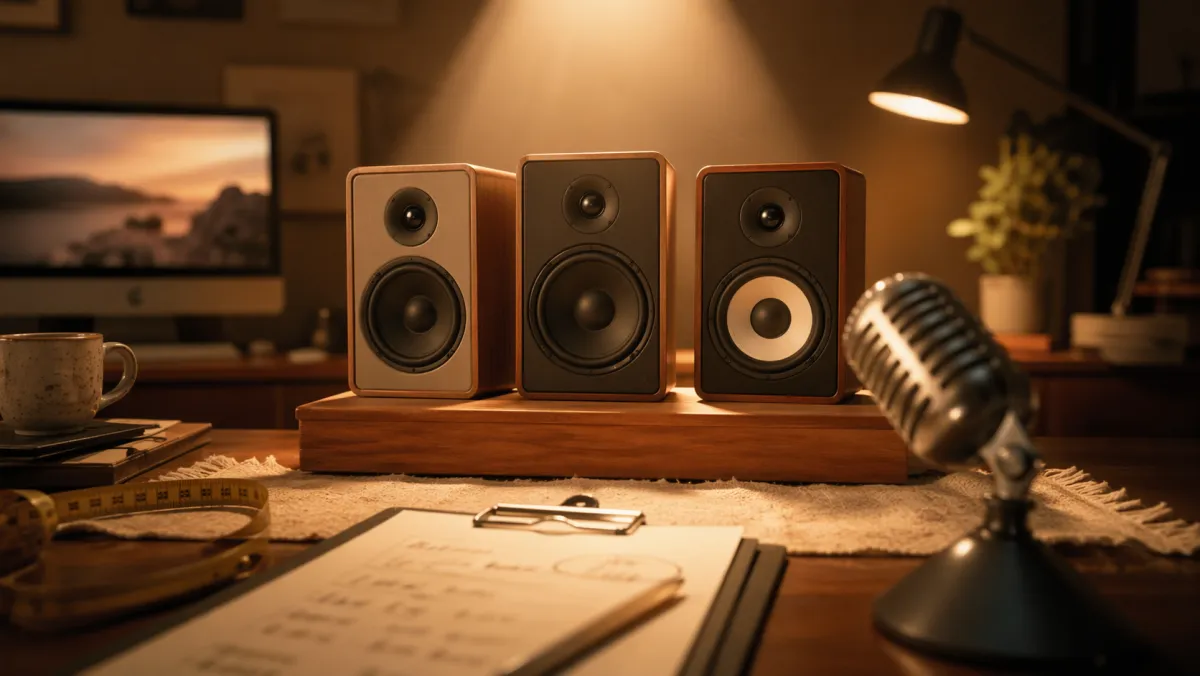
PC speaker casting: I want something cheap, small, and that sounds good
My breakup with the Logitech Z2300
I’ve been using Logitech Z2300 speakers on my PC. I’ve had them since at least 2006, maybe earlier. If I don’t retire them, they’ll retire me — they’re basically immortal. I’ve got them up for sale and still haven’t managed to sell them, but the breakup is already signed.
It’s not that they sound bad — quite the opposite — the issue is the subwoofer the size of my head. It takes up a ton of space and I’m just not into it anymore.
Once I got the Logitech Z2300 out of the way, I was left with no decent audio, so I’ve been relying on my monitor’s built-in speakers, which are absolute garbage. So yeah, time to open casting and see what I can fit on my desk without it eating all the space.
Casting requirements
Before looking at anything, I want to lock down what I actually need so I don’t fall in love with the first thing I see:
- Decent sound, not audiophile-level. I’m usually not alone in the office, so no need to shake the walls with bass.
- Small, because desk space is life.
- Good-looking, since they’ll be in sight all day. I can settle for “not ugly,” though.
- Cheap, because I don’t want to overspend on something basic.
- Wired is totally fine. Bluetooth doesn’t matter much in a fixed setup — I might even prefer cables.
Functional, nice, cheap, and small. Let’s see what the market has. Starting with Amazon for a quick first filter.
What specs should I look at to get it right?
I’m not an expert here, so this is what I’ve picked up so far.
Channel system
This basically refers to how many speakers you’re dealing with.
For my case, I’m looking at a 2.0 system. That means two speakers: left and right. Perfect, since I don’t have space for more.
Other options would be 2.1 (like my old Z2300, which I don’t want again) or 5.1, which is a whole different level — speakers and cables everywhere.
Power (RMS)
This is the classic marketing inflation metric.
RMS (Root Mean Square) refers to the real continuous power the system can deliver without distortion. For my needs, somewhere between 10W and 20W should be more than enough.
Frequency range
This is about how well the system reproduces lows, mids, and highs.
Since the human ear roughly hears between 20Hz and 20kHz, the lower that first number goes, the deeper the bass.
Connectivity
Could be anything from classic 3.5mm jack, USB, Bluetooth, optical, etc.
For me, 3.5mm jack is more than enough. I don’t need anything fancy.
Build materials
Speakers with wooden enclosures tend to be better because wood vibrates less than plastic and gives a warmer, less “metallic” sound.
PreSonus Eris 3.5 Gen 2
First option. I had never heard of PreSonus before, but 4.7 stars with 1,100+ reviews is a solid intro.
- Size: 3.5 inches, black, wired
- Power: 50W total (25W per speaker)
- What they promise: strong bass, natural response, plenty of connections
In the negative reviews (always worth checking), people really go hard on them: cheap components, plastic sound, questionable build quality. For the price and just gut feeling, I’d rather keep looking.
Provisional verdict: rejected for now
Edifier M60
These stretch the budget, but I’ll give them a chance.
- Power: 66W RMS total
- Connectivity: Bluetooth, cable, USB-C — pretty complete
- Reviews: 4.7 with 1,400+ ratings
Edifier is a brand I already knew, and they usually sound good in this range. Filtering Spanish reviews, there’s only one bad one, and it’s about a specific USB-C issue. In other languages, some picky users complain about the sound — but in audio, there are people who complain about €2,000 headphones, so I’m not too worried.
Provisional verdict: potential winner
Edifier R990BT
Same brand, lower tier.
- Connectivity: Bluetooth 5.4 (newer than the M60’s 5.1, interestingly)
- Power: 24W RMS (pair)
- Reviews: 4.4 with only 55 ratings
For my use, they’re more than enough, and the price is way nicer than the M60. Downside: very few reviews, so it’s harder to trust.
Provisional verdict: budget plan B
Creative Pebble V2
These fit perfectly: small and cheap.
- Power: 8W RMS
- Reviews: 4.6 stars with 11,000+ ratings — very proven
The question is whether 8W will be enough. For a desk, maybe yes, but before deciding I’ll need to watch some YouTube reviews and see how they actually perform.
Provisional verdict: possible, if sound holds up
Creative Pebble Pro 2.0
The bigger sibling of the previous model.
- Power: 10W RMS, slightly higher than V2
- Same DNA: compact, cheap, widely reviewed
If the sound upgrade over the V2 is noticeable without a big price jump, these could climb to the top.
Current candidate list
After the first round, the casting looks like this:
- Edifier M60: top pick, if the wallet allows it
- Creative Pebble Pro 2.0: best value option if the sound delivers
- Edifier R990BT: reasonable fallback if the Pro 2.0 don’t convince
- Don’t sell the Logitech Z2300 and save the money, hiding the subwoofer as much as possible
The PreSonus Eris 3.5 Gen 2 are out due to build quality concerns, and the Pebble V2 are waiting to pass the YouTube reviewer test.
Once I decide and actually get them, I’ll do a part two with photos, real testing, and a final verdict. For now, at least I’ve learned a few things about speakers.
If you’ve tried any of these, let me know how they are.
Thanks and cheers 🍻